

WhatsApp Business API: The Complete Guide for 2026 (Features, Pricing & Setup)
Learn everything about the WhatsApp Business API, including pricing, requirements, setup process, features, messaging limits, automation, AI chatbots, and how businesses use it to scale customer communication in 2026.
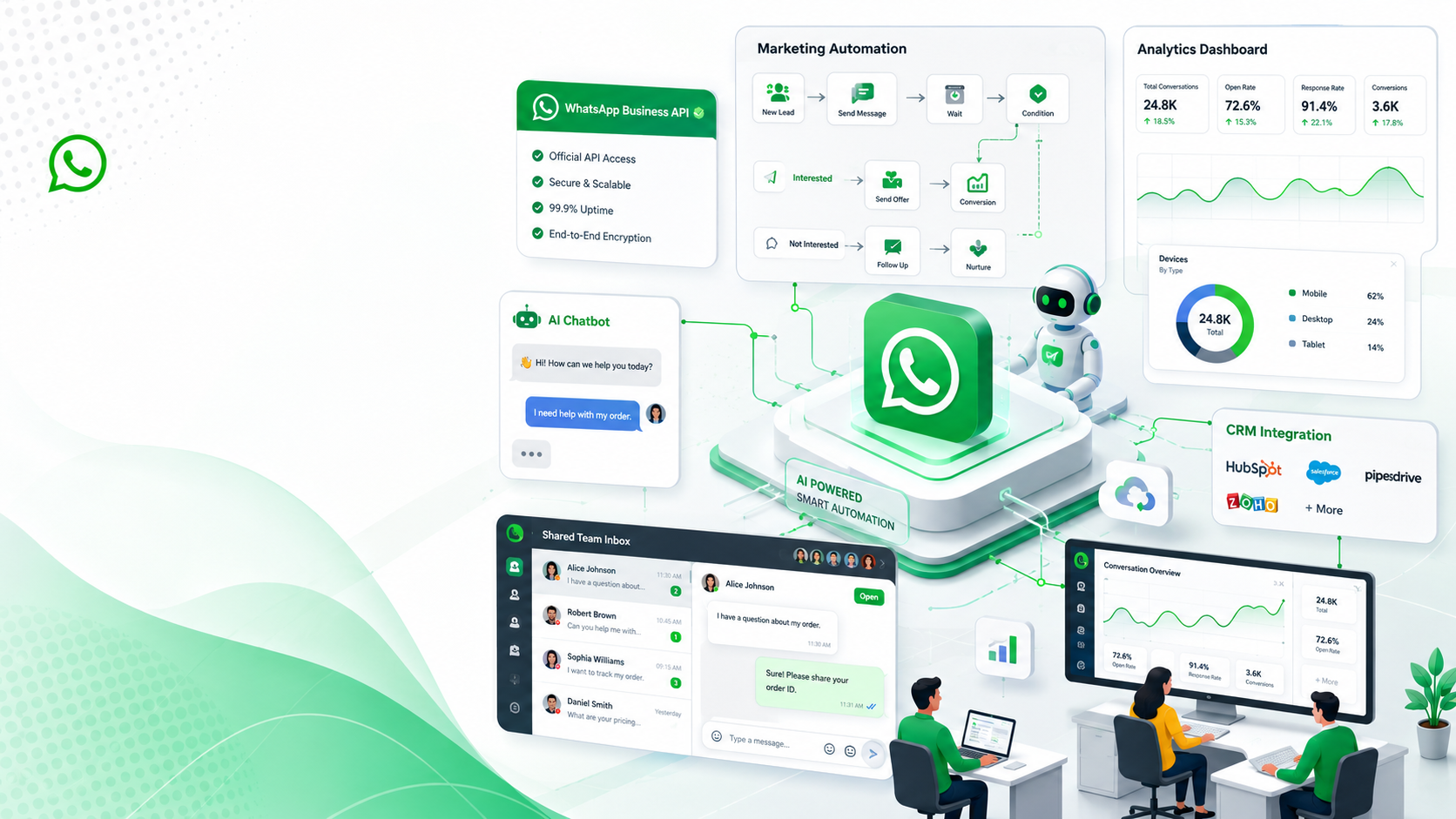
WhatsApp Business API: The Complete Guide for 2026
For many businesses, WhatsApp has become the fastest way to communicate with customers. Whether someone wants to ask about pricing, check an order status, schedule an appointment, or request support, they often prefer sending a WhatsApp message instead of making a phone call or writing an email.
While the free WhatsApp Business app works well for small businesses, it quickly reaches its limits as your customer base grows. You may need multiple agents handling conversations, automated replies, integrations with your CRM or eCommerce platform, marketing campaigns, and AI-powered customer support. This is where the WhatsApp Business API comes in.
In this guide, you'll learn what the WhatsApp Business API is, how it works, who should use it, how much it costs, and how platforms like ChatiWa make it easy to use without writing a single line of code.
What Is the WhatsApp Business API?
The WhatsApp Business API, officially known as the WhatsApp Business Platform, is Meta's solution for medium and large businesses that want to communicate with customers at scale.
Unlike the WhatsApp Business mobile app, the API has no user interface. Instead, it connects with business software that provides a dashboard, automation tools, shared inboxes, analytics, and integrations.
Platforms like ChatiWa provide everything businesses need to use the API through an easy-to-use web interface.
Instead of manually replying to hundreds of messages every day, businesses can automate repetitive conversations while still providing personalized customer experiences.
WhatsApp Business App vs WhatsApp Business API
Many people confuse these two products.
The WhatsApp Business App is designed for small businesses that usually have one person managing conversations from a mobile phone.
The WhatsApp Business API is designed for growing businesses that require:
Multiple team members
AI chatbots
Marketing campaigns
CRM integrations
Workflow automation
Analytics
Message templates
Customer segmentation
If your business communicates with dozens or hundreds of customers daily, the API is usually the better choice.
Why Businesses Choose the WhatsApp Business API
1. Shared Team Inbox
Instead of multiple employees sharing one mobile phone, every team member can respond from the same WhatsApp number.
Using ChatiWa's Team Inbox, sales and support agents can collaborate without losing conversation history.
Suggested Screenshot:
Team Inbox
Alt text:
Multiple agents managing WhatsApp conversations inside ChatiWa Team Inbox.
2. AI Chatbots
Customers expect instant replies.
AI-powered chatbots can answer common questions like:
Pricing
Business hours
Order status
Product information
Refund policy
Appointment booking
Unlike traditional bots with rigid flows, AI understands natural language and responds conversationally.
3. Marketing Campaigns
Businesses can send promotional messages to customers who have opted in.
Examples include:
Seasonal offers
Product launches
Flash sales
Discount coupons
Event reminders
With ChatiWa Campaigns, businesses can schedule campaigns, select audiences, and monitor delivery and read rates from one dashboard.
Suggested Screenshot:
Campaign Dashboard
Alt text:
WhatsApp marketing campaign management inside ChatiWa.
4. Automation Workflows
Automation reduces repetitive work.
Instead of manually sending every message, workflows can automatically:
Welcome new customers
Confirm orders
Send invoices
Deliver tracking updates
Recover abandoned carts
Route conversations to human agents
Using ChatiWa's visual Flow Builder, these automations can be created using drag-and-drop blocks instead of code.
Suggested Screenshot:
Automation Builder
Alt text:
Drag-and-drop WhatsApp automation builder in ChatiWa.
Integrating Your Existing Business Tools
Modern businesses use multiple systems.
The WhatsApp Business API integrates with platforms such as:
Shopify
WooCommerce
CRM software
ERP systems
Custom applications
Internal databases
For example, when a customer places an order on Shopify, ChatiWa can automatically send:
Order confirmation
Shipping notification
Delivery updates
No manual work required.
AI Knowledge Base Training
One of the biggest advantages of modern AI assistants is that they can learn directly from your business.
With ChatiWa, you can train your AI using:
Website URLs
PDF documents
Word documents
FAQs
Knowledge Base articles
Question and Answer pairs
Instead of giving generic responses, your AI answers using your company's own information.
Suggested Screenshot:
AI Training
Alt text:
Training an AI assistant using website pages and documents in ChatiWa.
Analytics That Help You Improve
Sending messages isn't enough.
You also need to measure performance.
ChatiWa provides analytics such as:
Messages sent
Delivery rate
Read rate
Reply rate
Failed messages
Contact growth
Campaign performance
These insights help businesses optimize future campaigns and customer engagement.
Suggested Screenshot:
Analytics Dashboard
Alt text:
WhatsApp analytics dashboard showing delivery rate, read rate and campaign performance.
Is the WhatsApp Business API Expensive?
The API itself does not require purchasing software from Meta.
Businesses typically pay:
Meta conversation charges
Platform subscription (such as ChatiWa)
Optional AI usage costs
Conversation pricing depends on the customer's country and conversation category, such as marketing, utility, authentication, or service.
For most businesses, the increase in conversions and customer satisfaction easily outweighs the messaging costs.
Common Use Cases
Businesses across industries use the API every day.
eCommerce
Order updates
Cart recovery
Product recommendations
Coupon campaigns
Healthcare
Appointment reminders
Prescription notifications
Patient support
Education
Admission updates
Student communication
Class reminders
Real Estate
Property inquiries
Viewing appointments
Lead qualification
SaaS
Product onboarding
Trial reminders
Customer support
Renewal notifications
Best Practices
To get the most value from the WhatsApp Business API:
Always collect customer opt-in before sending marketing messages.
Personalize messages whenever possible.
Respond quickly to customer inquiries.
Use AI to automate repetitive conversations.
Regularly review analytics and optimize campaigns.
Keep message templates clear and concise.
Escalate complex conversations to human agents.
Frequently Asked Questions
Is the WhatsApp Business API free?
Meta charges businesses based on conversation categories, while platforms like ChatiWa provide the software needed to use the API efficiently.
Can I use my existing phone number?
Yes. Existing business numbers can usually be migrated after meeting Meta's requirements.
Can multiple employees reply from the same number?
Yes. This is one of the biggest advantages of the WhatsApp Business API.
Can I send bulk WhatsApp messages?
Yes, provided customers have opted in and you use approved message templates according to Meta's policies.
Do I need programming knowledge?
No. Platforms such as ChatiWa provide dashboards, automation builders, campaign managers, analytics, and AI assistants that eliminate the need for coding.
Conclusion
The WhatsApp Business API has become the standard communication platform for businesses that want to deliver fast, personalized, and scalable customer experiences. Whether you're running an online store, SaaS platform, healthcare practice, educational institution, or service business, the API enables you to automate conversations, collaborate across teams, launch marketing campaigns, and integrate AI into your customer journey.
Instead of managing conversations from a single mobile phone, businesses can centralize communication through a platform like ChatiWa. With features such as a shared team inbox, AI chatbot, drag-and-drop automation builder, campaign management, contact management, analytics, website chat widgets, knowledge base training, and Shopify and WooCommerce integrations, ChatiWa helps businesses unlock the full potential of the WhatsApp Business API.
If you're ready to scale customer communication while saving time and improving customer satisfaction, the WhatsApp Business API paired with ChatiWa provides everything you need in one place.